1 Go to OpenRouter & Create Key
Click the link below to visit the OpenRouter keys page. Then, click the "Create Key" button.
OpenRouter Keys Page ↗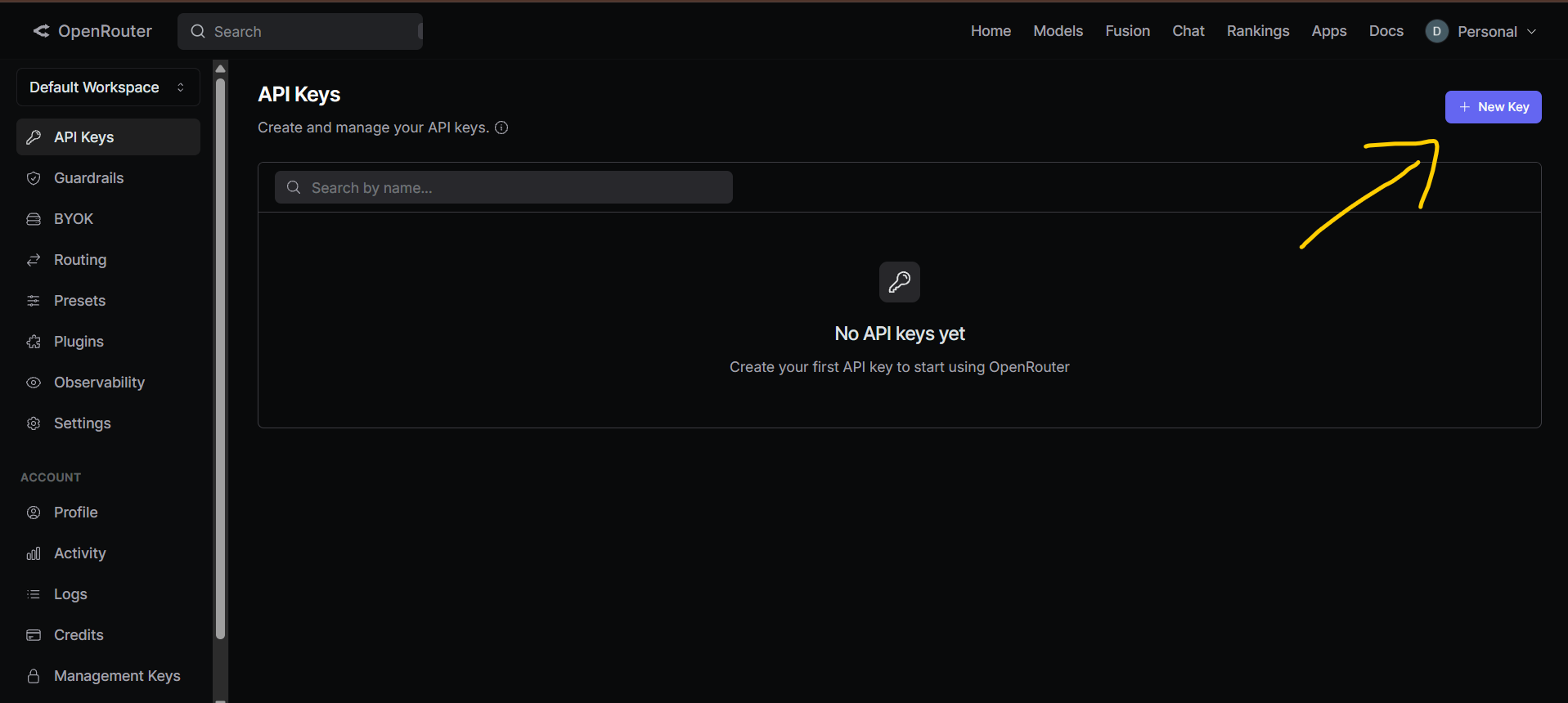
To use the AI chat without limits, you need to provide your own OpenRouter API key. Follow these three simple steps to generate one securely.
Click the link below to visit the OpenRouter keys page. Then, click the "Create Key" button.
OpenRouter Keys Page ↗
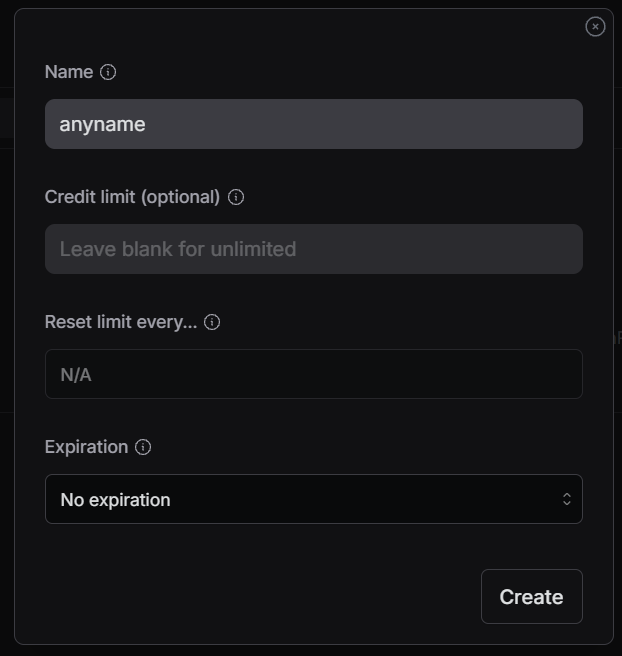
Give your key a name (like "DarkRP Chat") and click Create. You can leave the limits blank if you want.
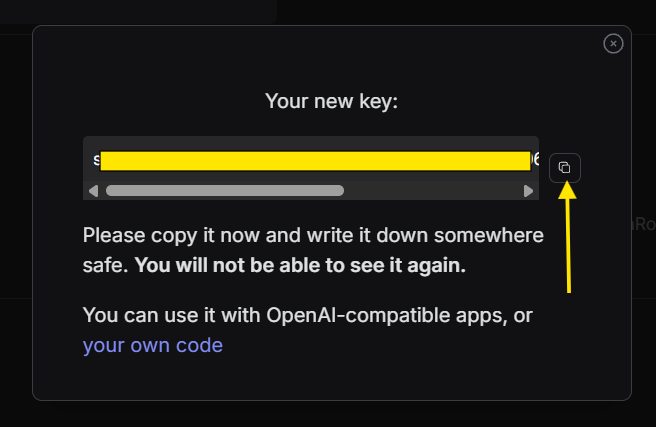
Your API key is generated! Copy the entire key (it starts with sk-or-v1-). Paste this key back into the Settings menu in our chat app.